Turn website questions into completed inquiries.

A multilingual AI chatbot that answers questions using your website's content, helps visitors complete forms, and gives your team the full conversation.
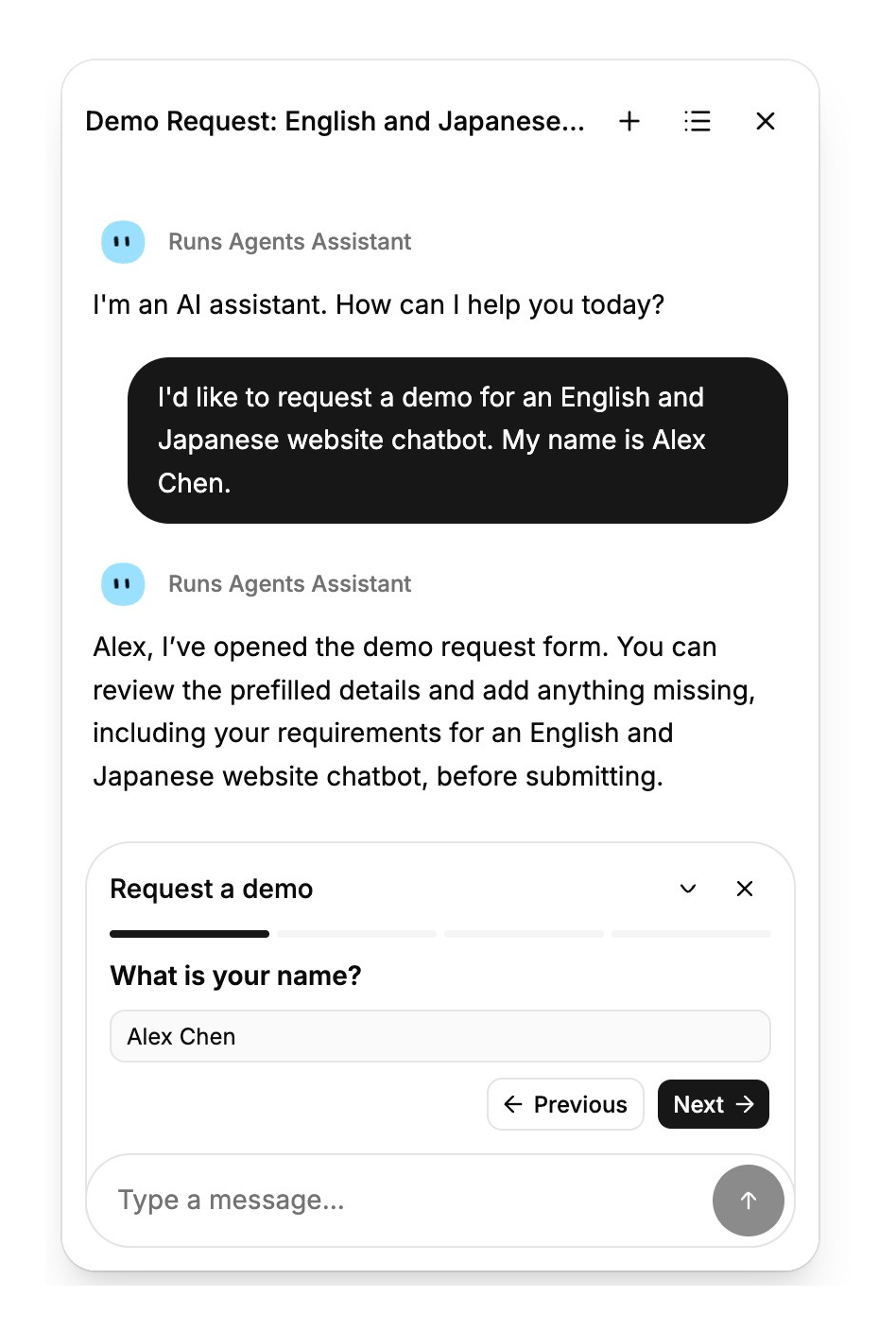
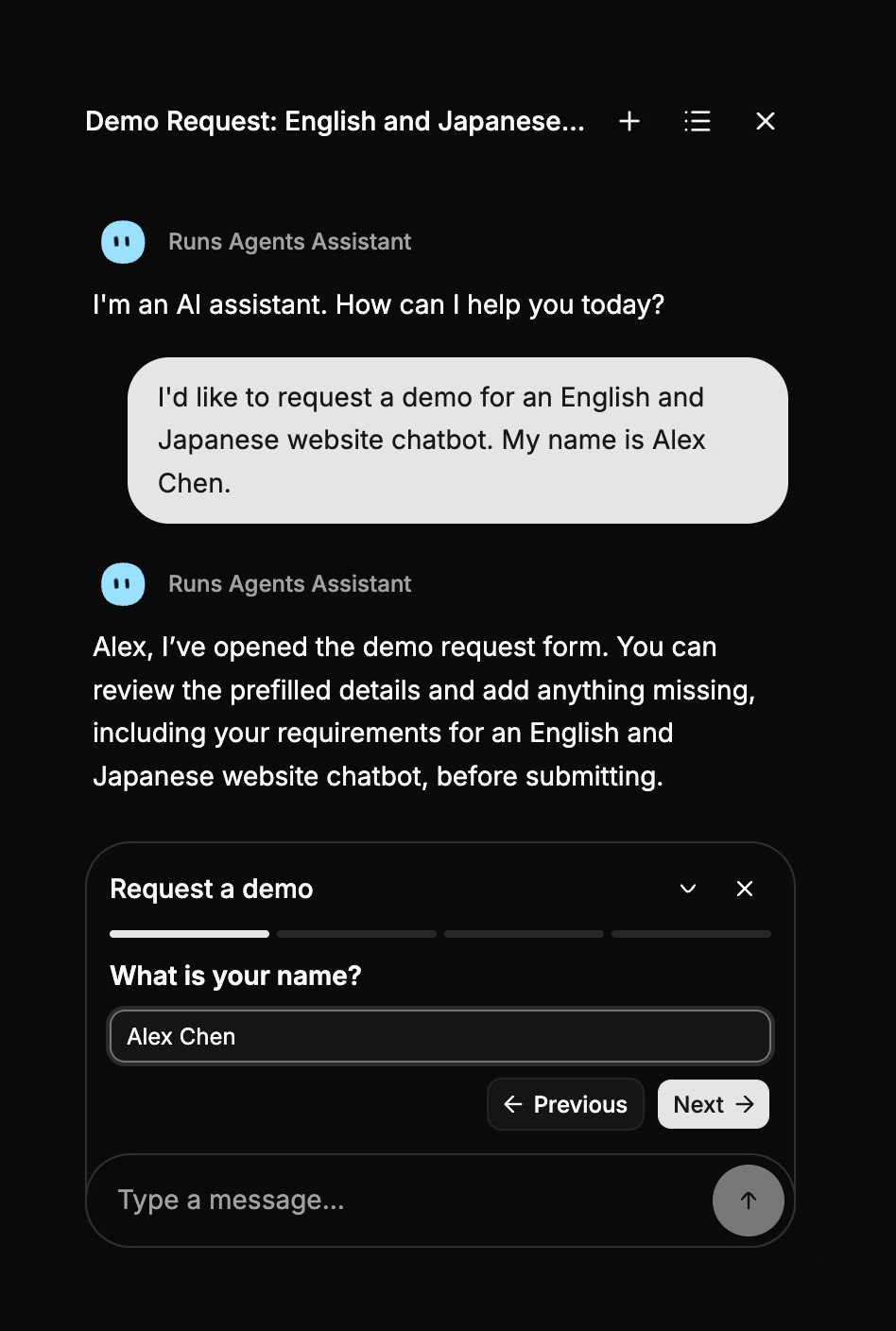
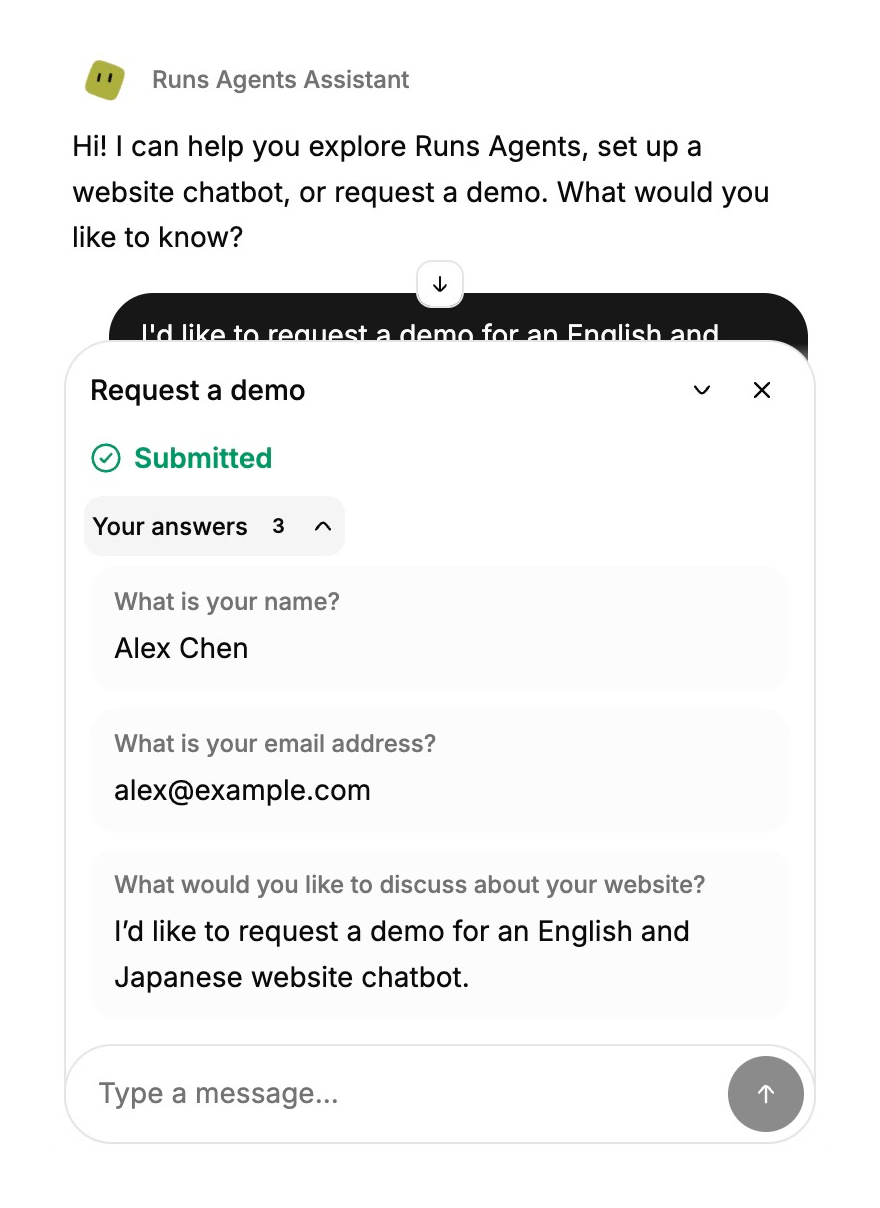
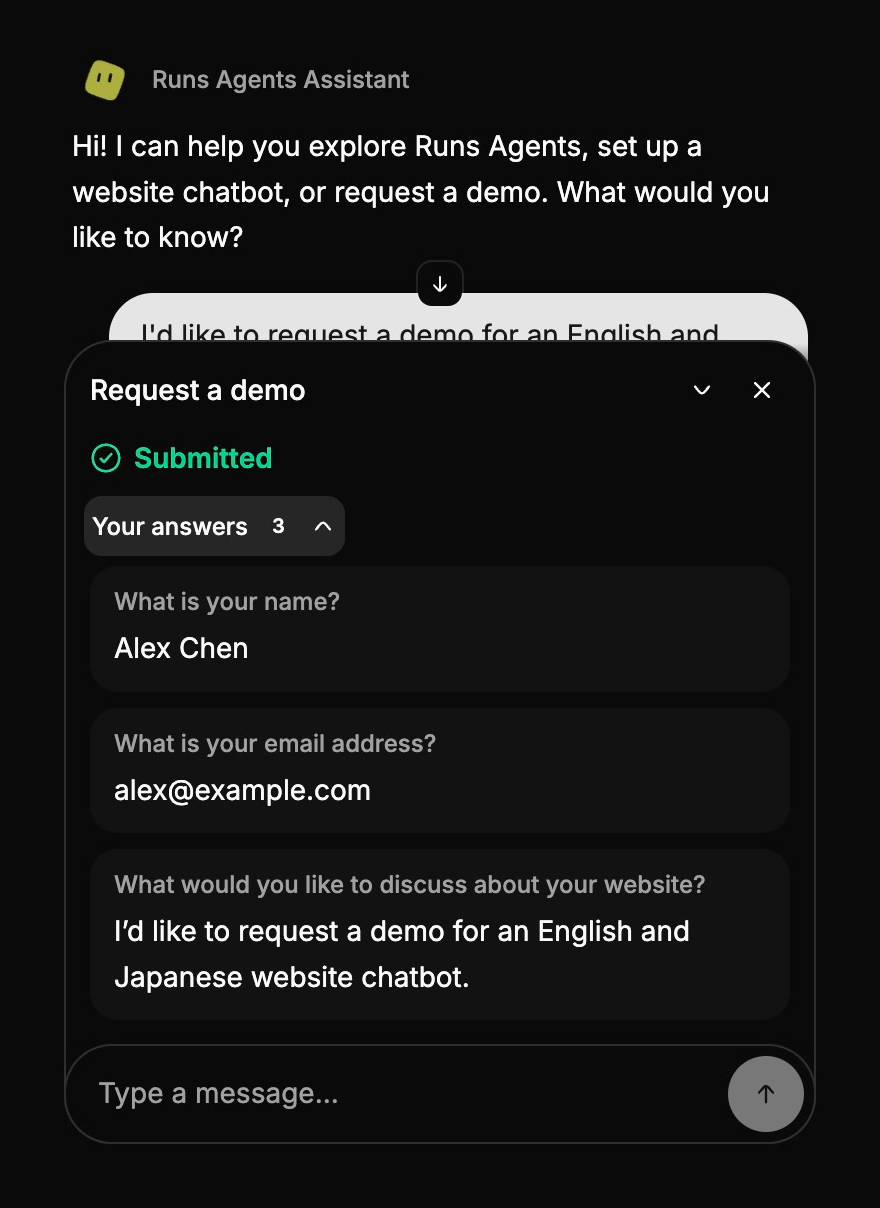
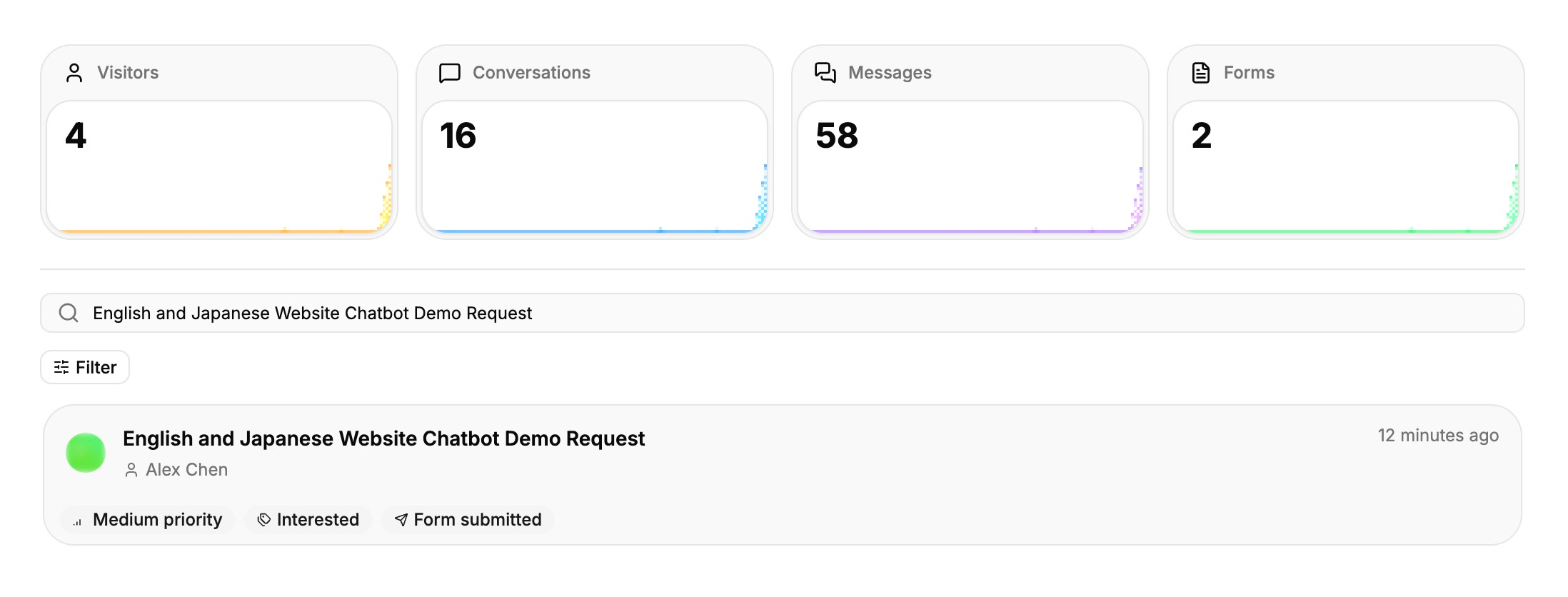
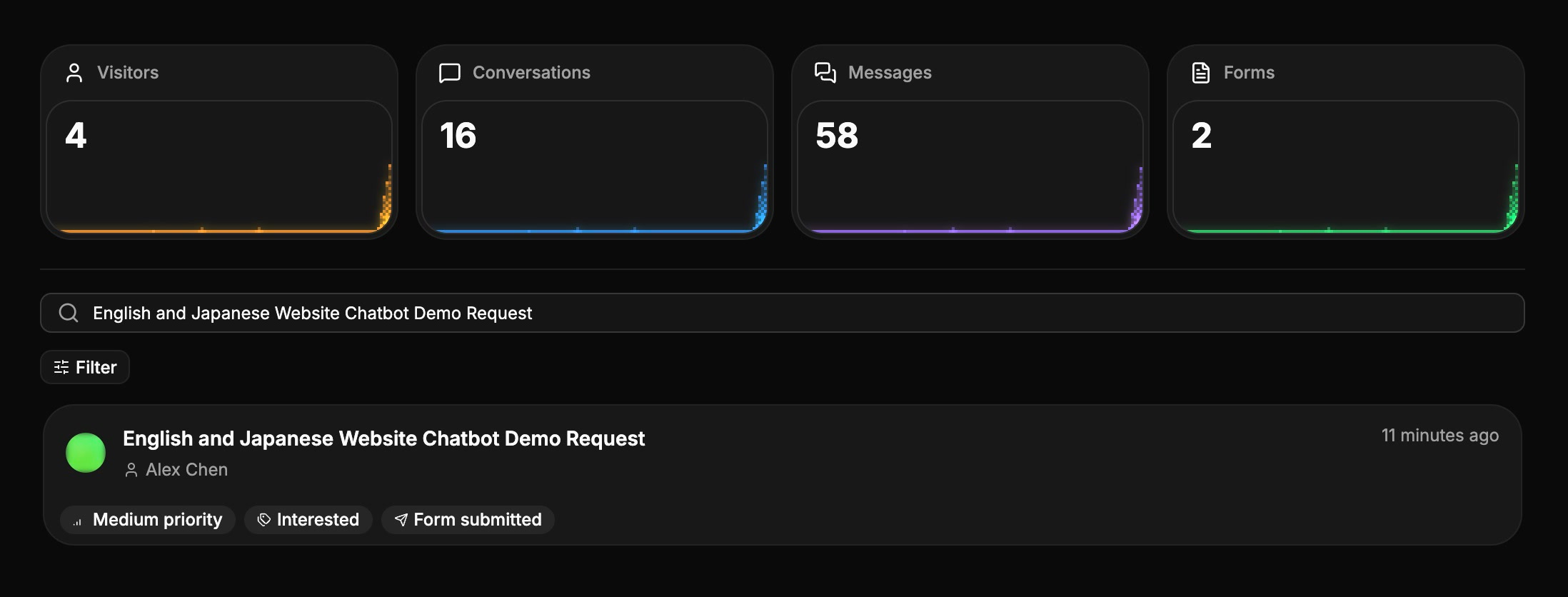
A demo request in the chat.

Answers from your website

Help visitors find answers across your public pages and linked documents, with links to the sources.
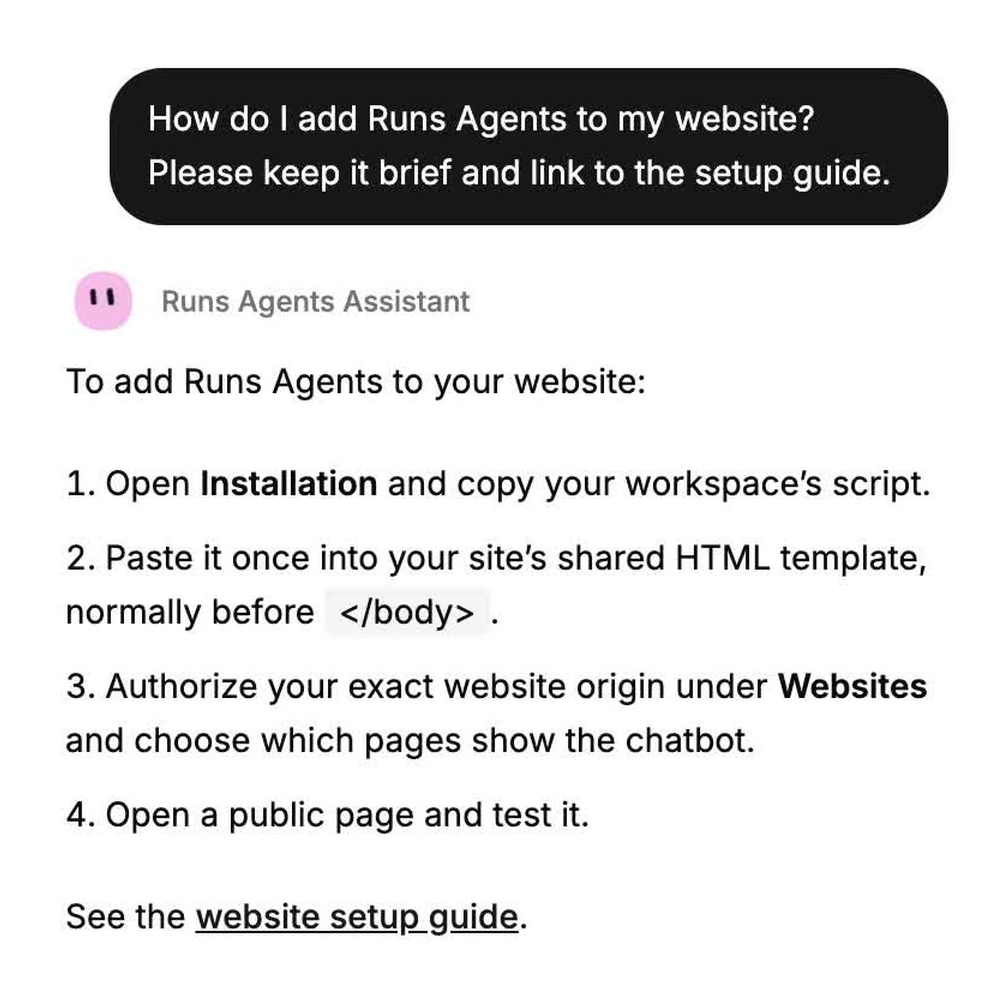
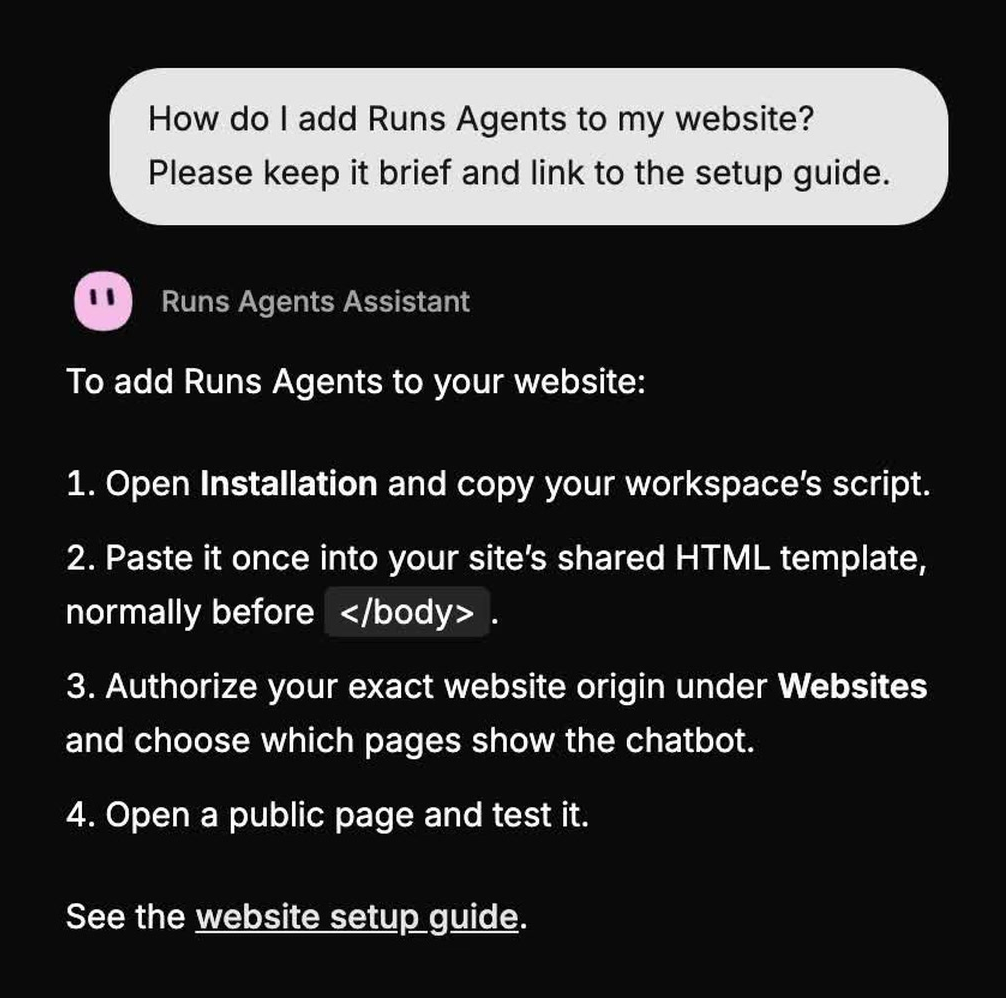
Answers with links to the product documentation.

Complete forms in the conversation

Reuse details visitors have already shared, ask for missing answers, and let them review and confirm before submission.
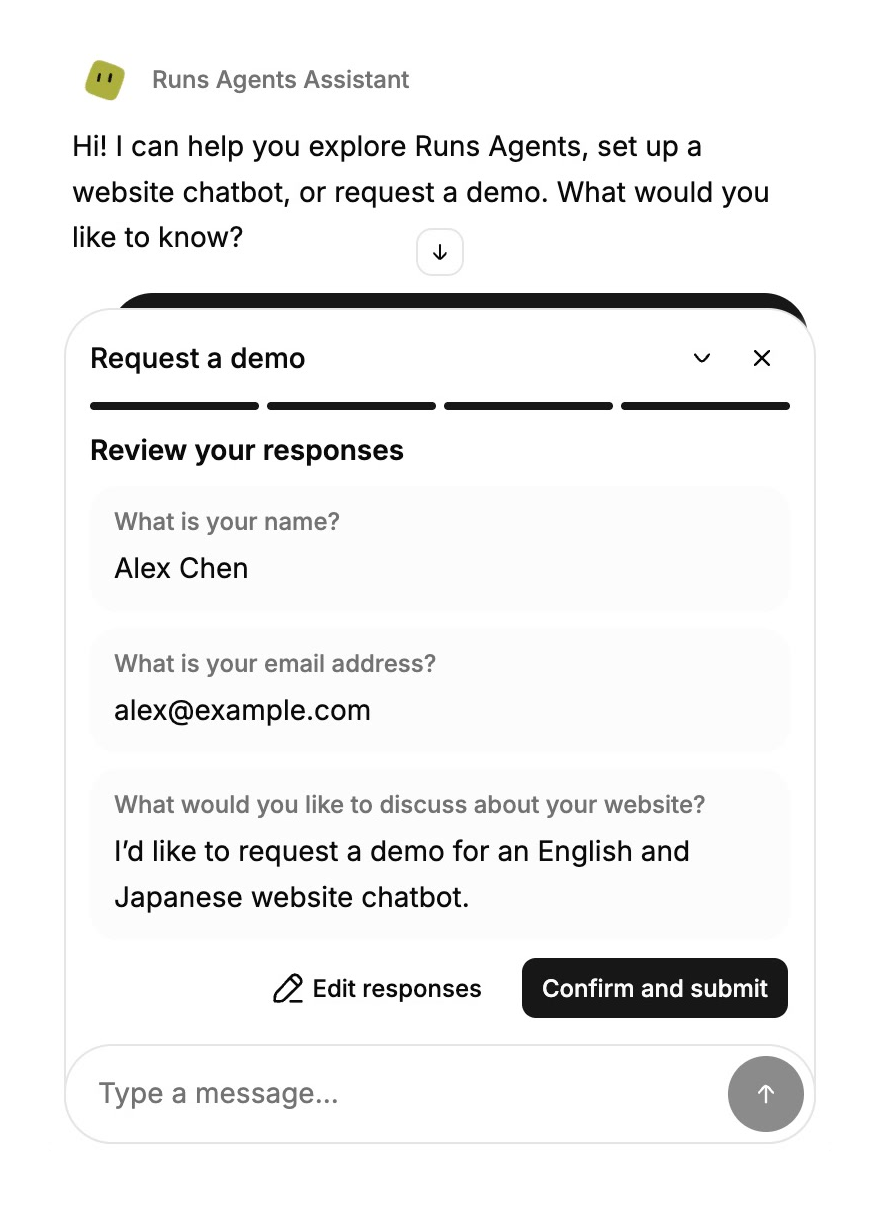
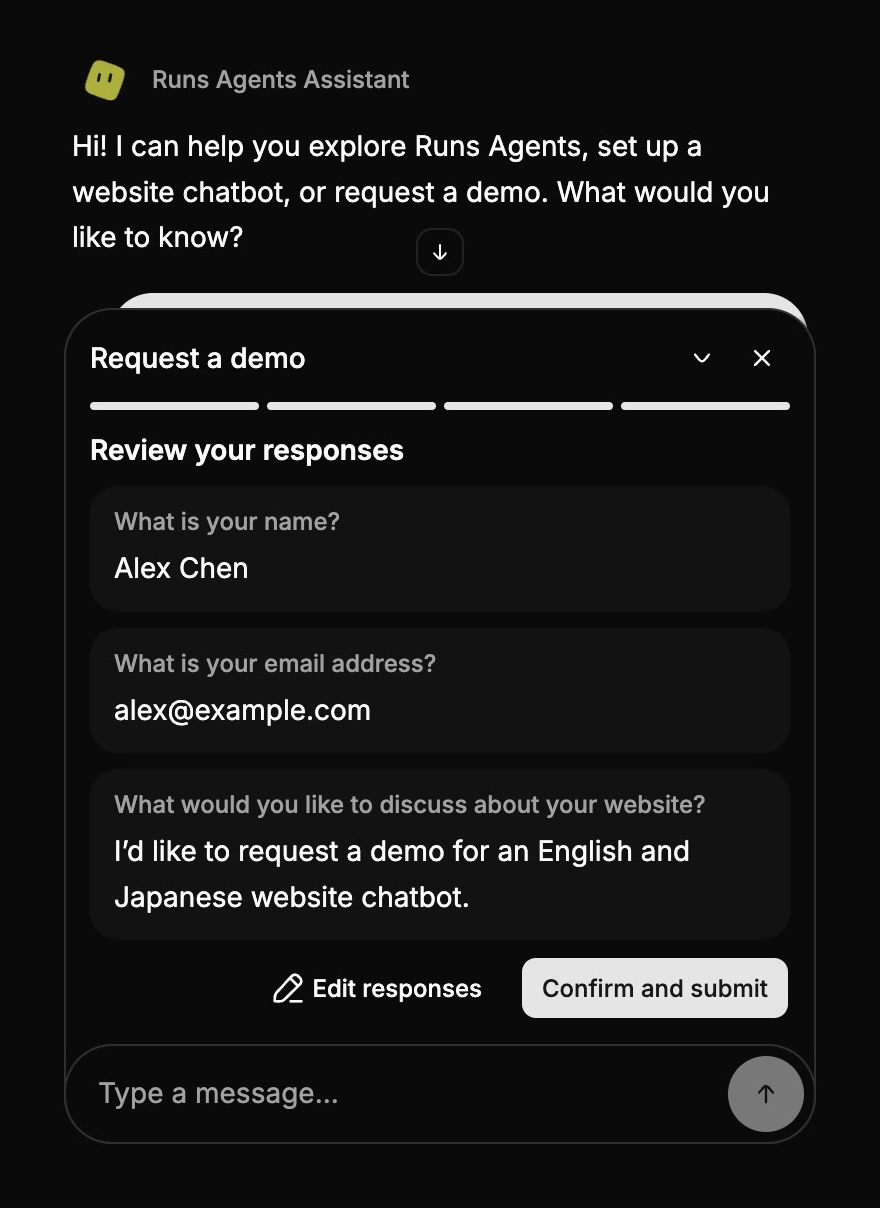
A demo request in the chat.
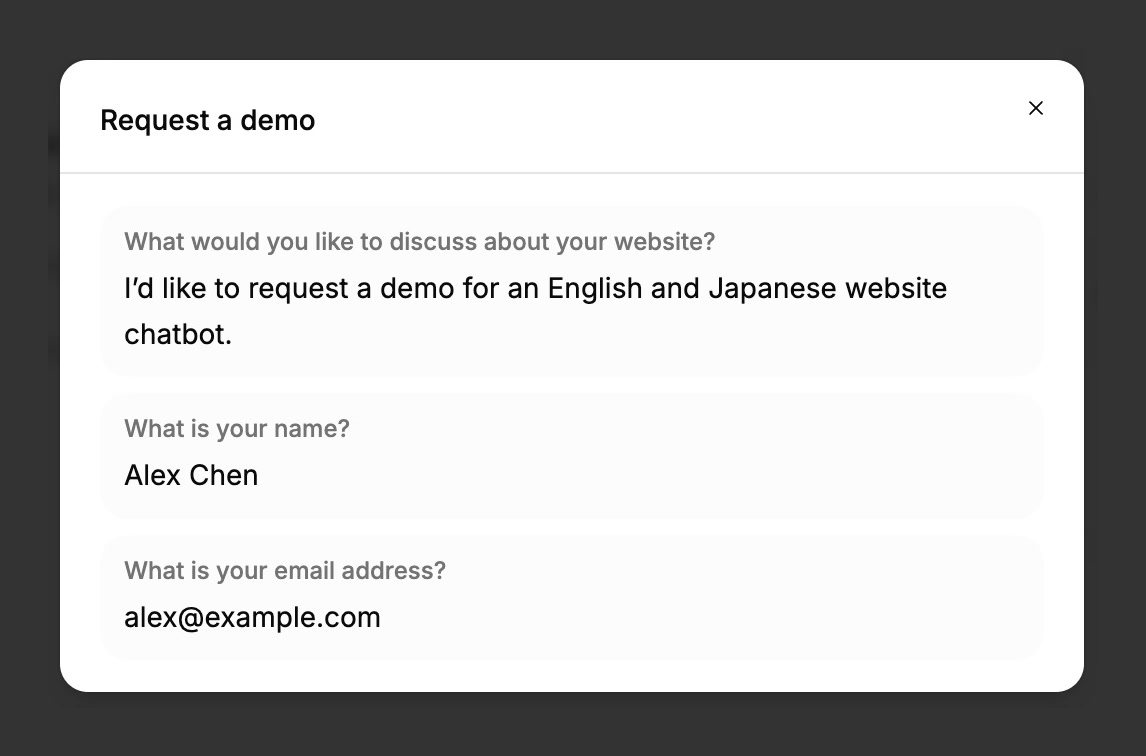
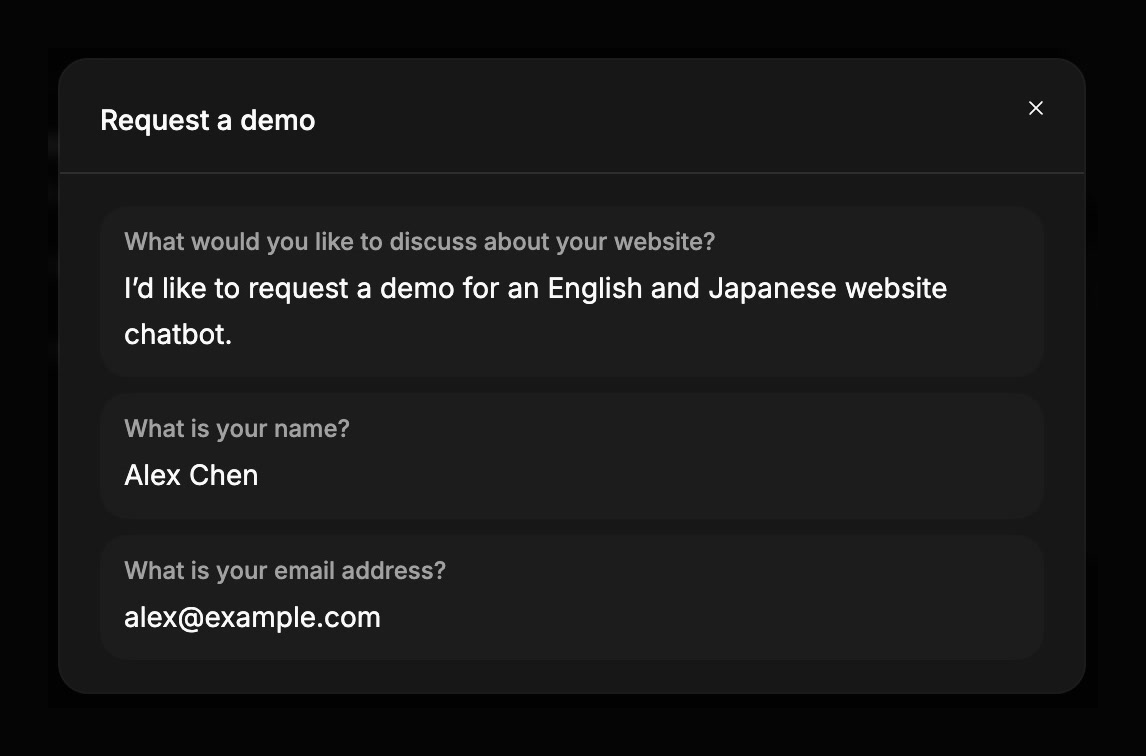
Review and correct every answer before confirming.
A confirmed submission, saved in the workspace.

See the whole inquiry

Review messages, summaries, contact details, classifications, and submitted forms together as new activity arrives.
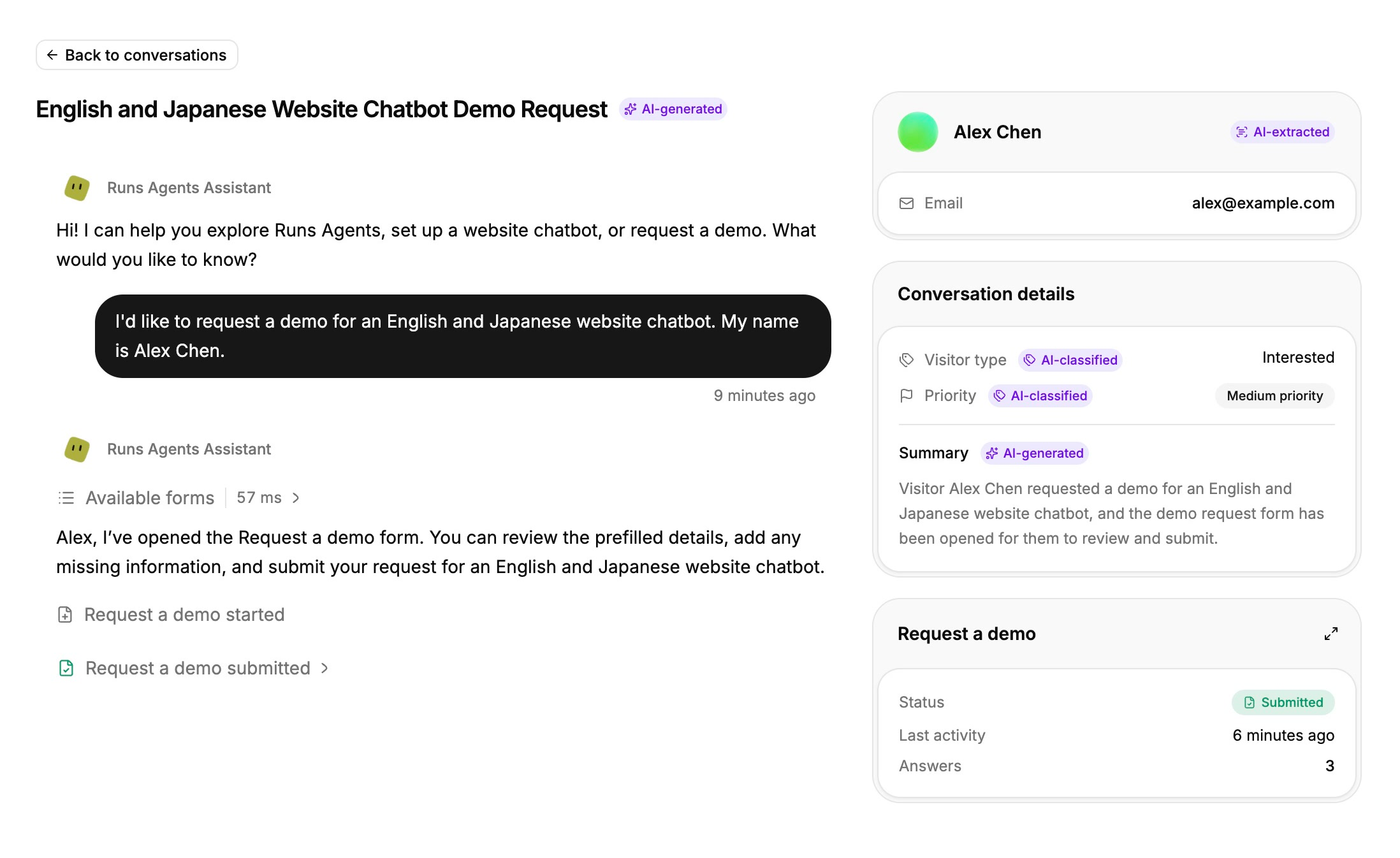
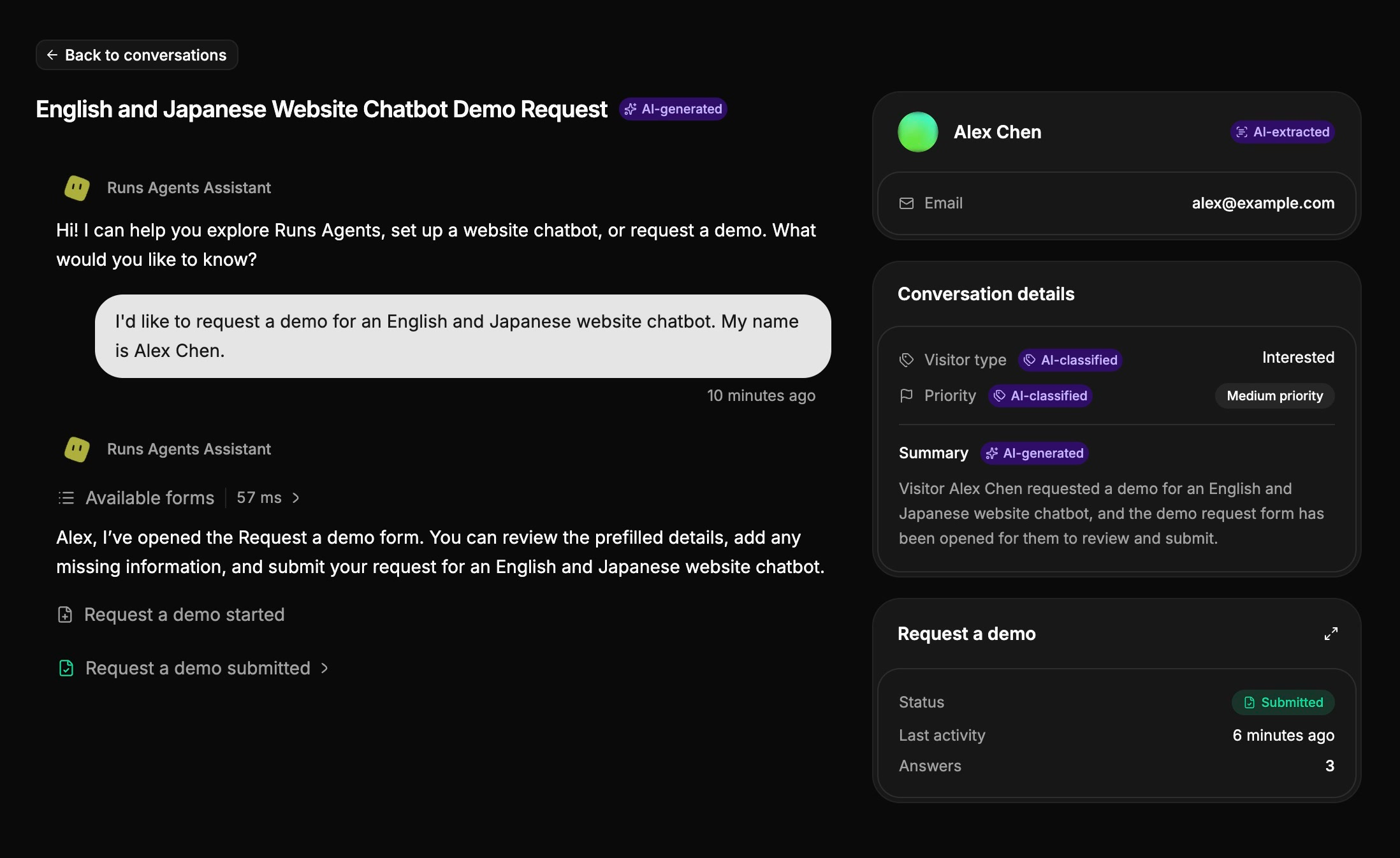
The conversation, summary, contact details, and submitted answers in one place.
Open the submitted answers from the inquiry.
Find conversations by visitor, topic, or classification.

Speak your visitors' language

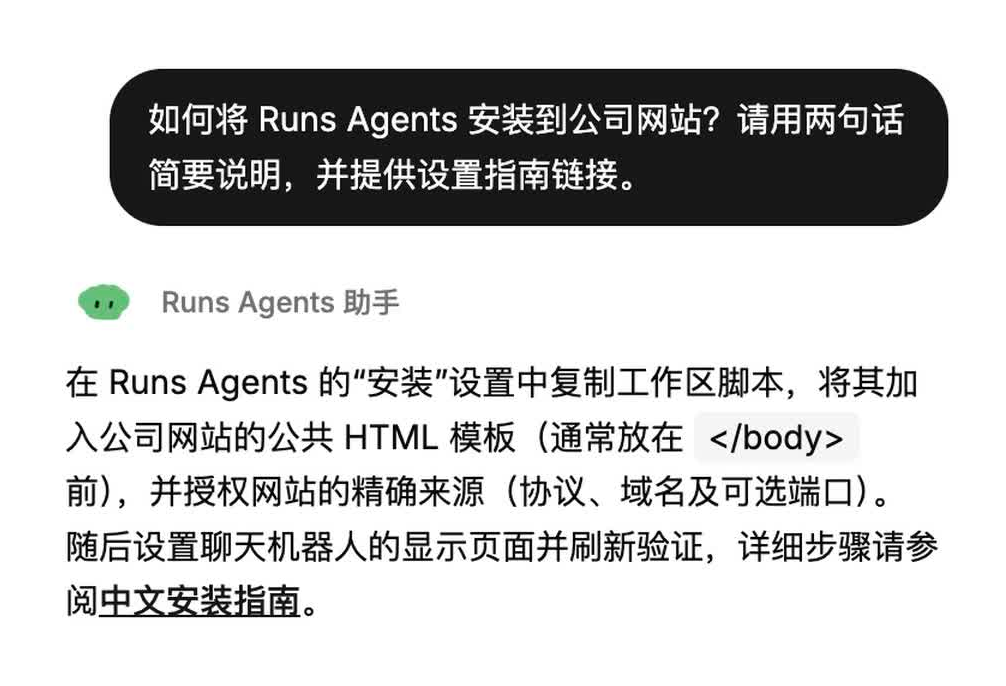
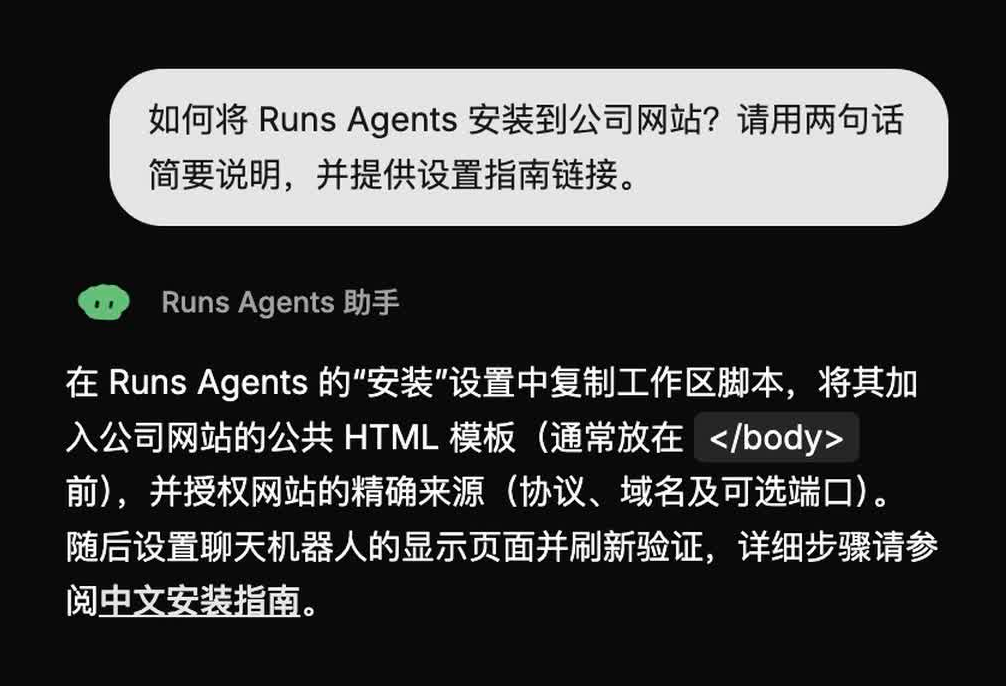
Chat in English, Japanese, or Simplified Chinese, and review translated conversations in the portal.
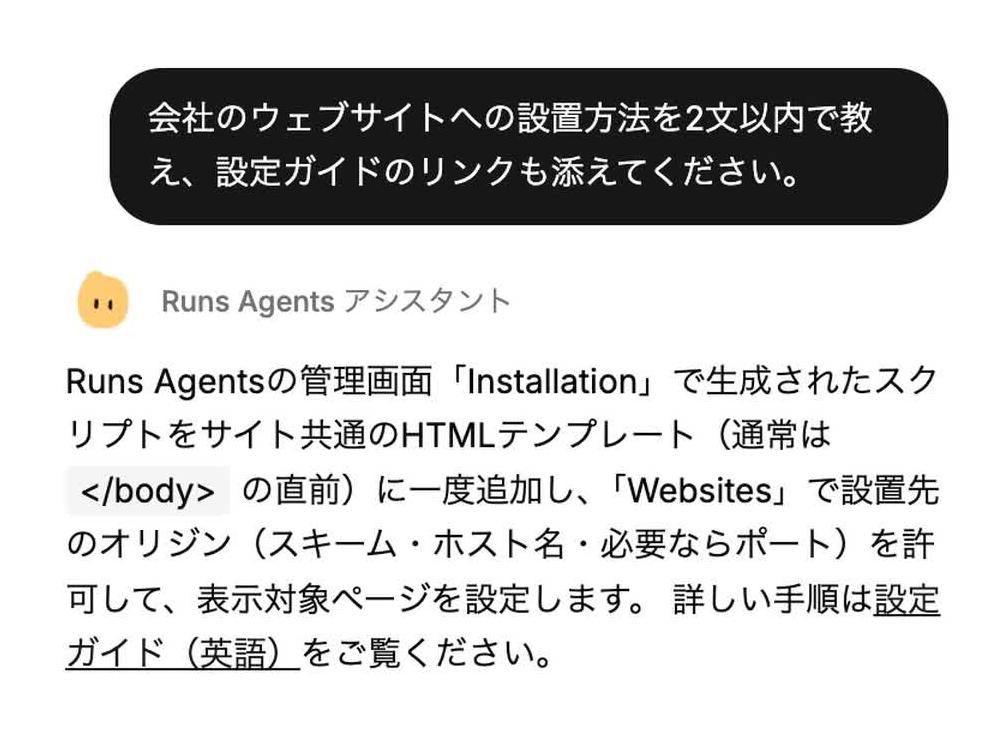
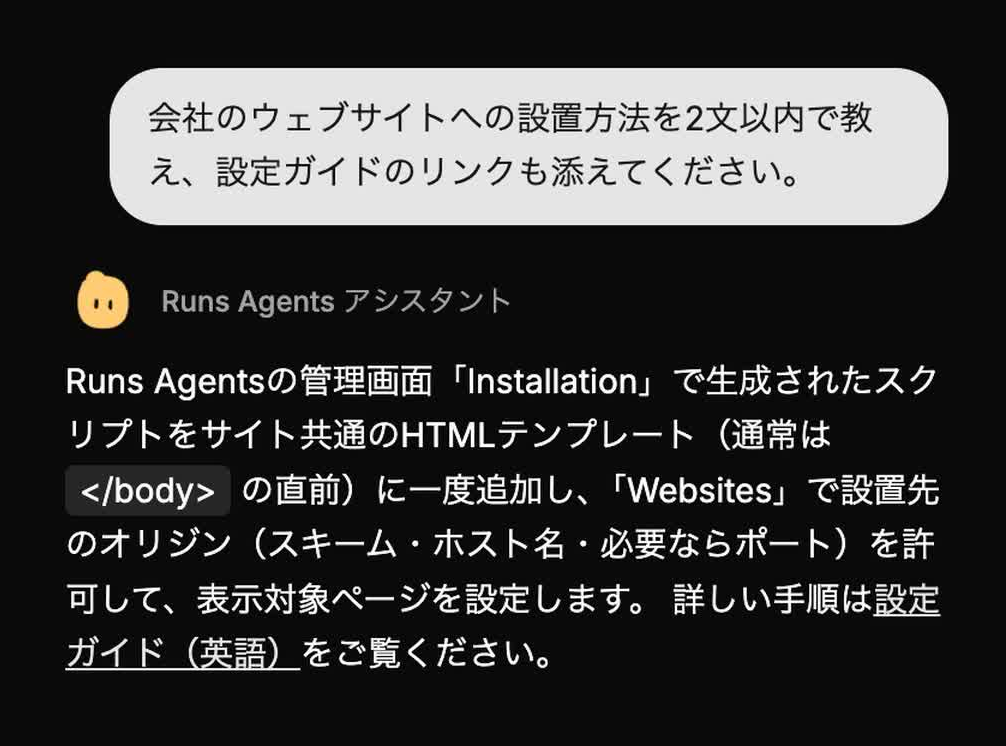
A Japanese conversation.
A Simplified Chinese conversation.
An English conversation.

Choose where workspace records are stored

Select your storage region when creating a workspace, with options in Japan, Europe, and North America.
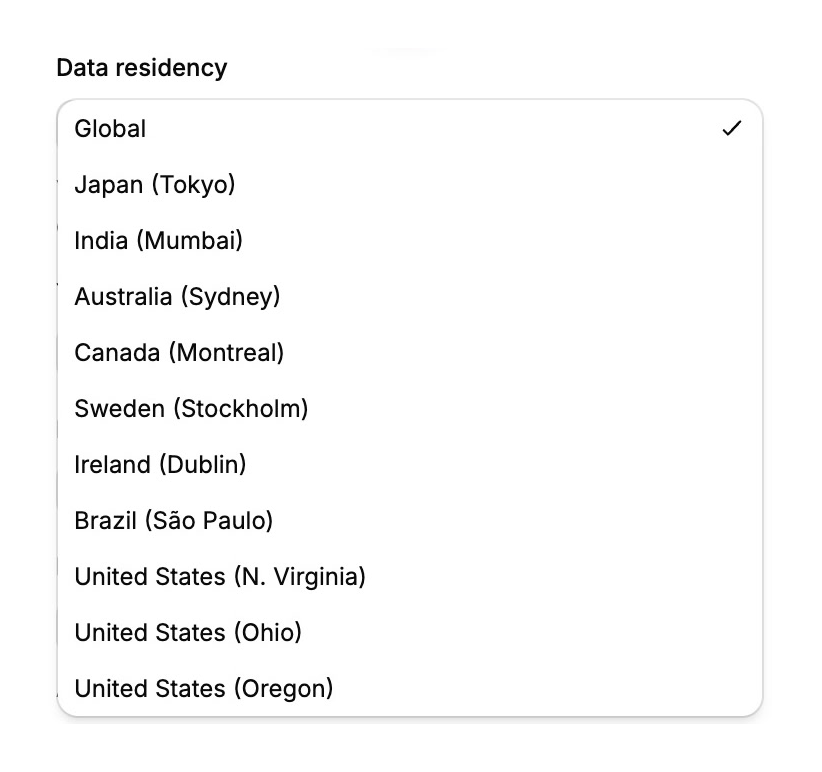
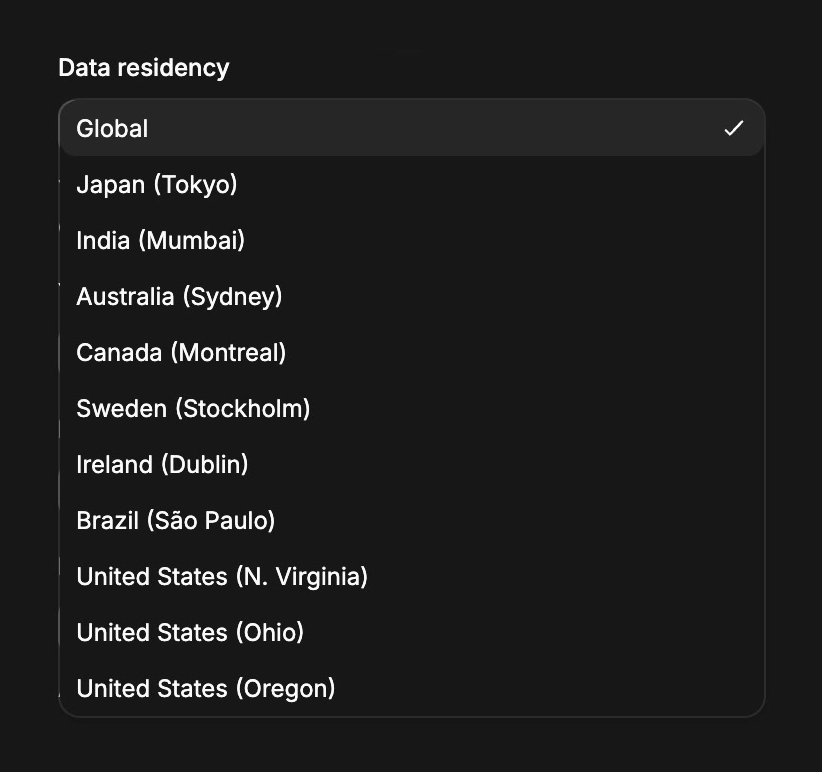
Select a record storage region when creating your workspace.

AI processing and connected services may run outside your selected storage region.

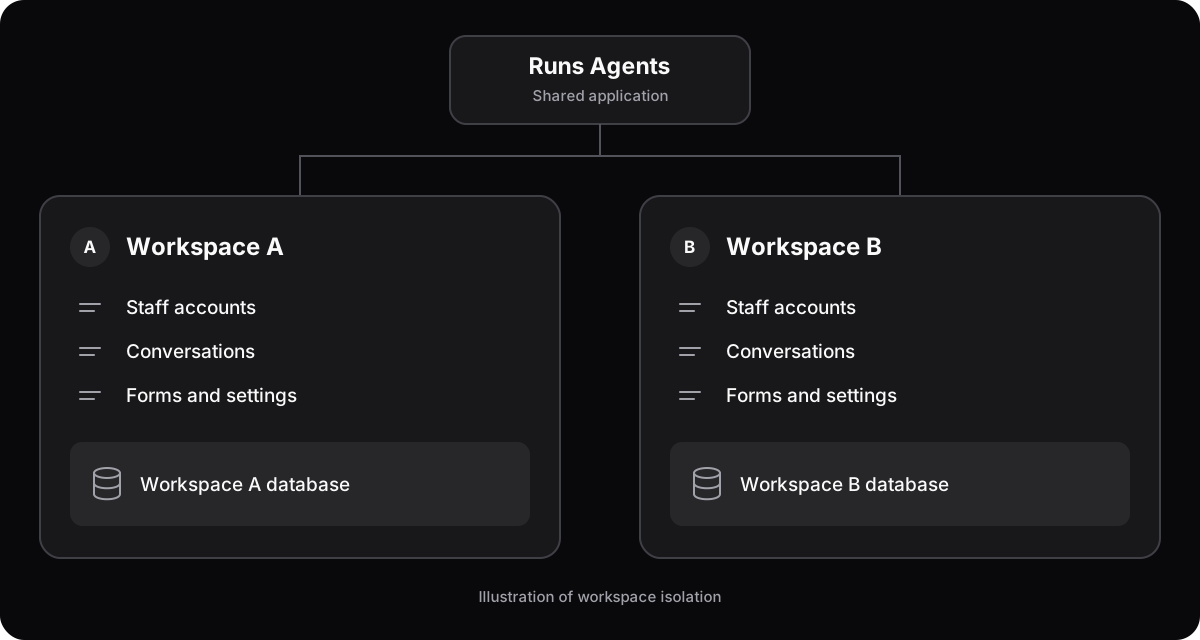
Separate workspaces, separate data

Each workspace has its own database, staff accounts, settings, and conversation records.
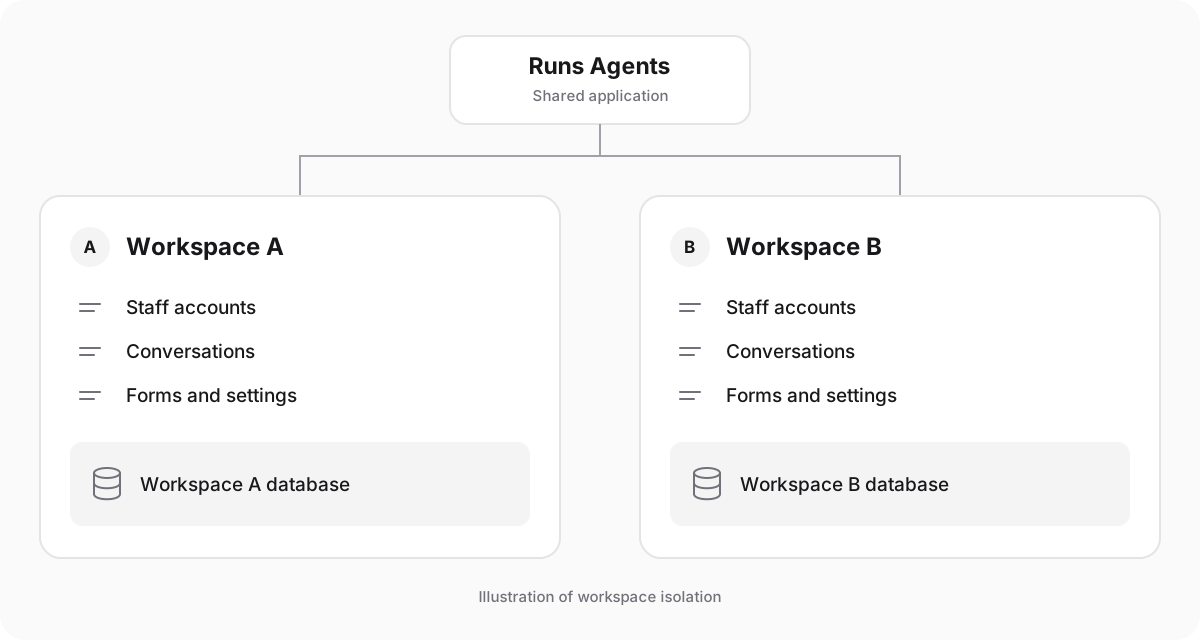
Independent databases and accounts for each workspace.

Workspace architecture

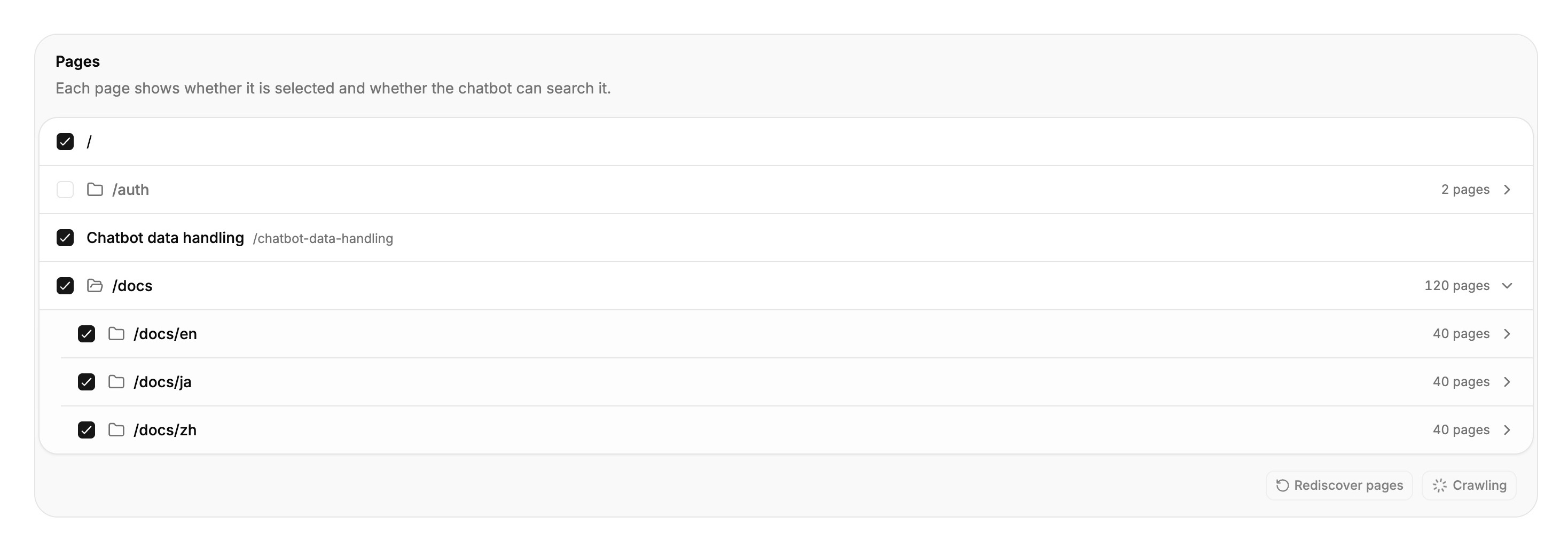
Choose what your assistant knows

Add public websites, select the pages to include, and keep the assistant's knowledge current with scheduled updates.
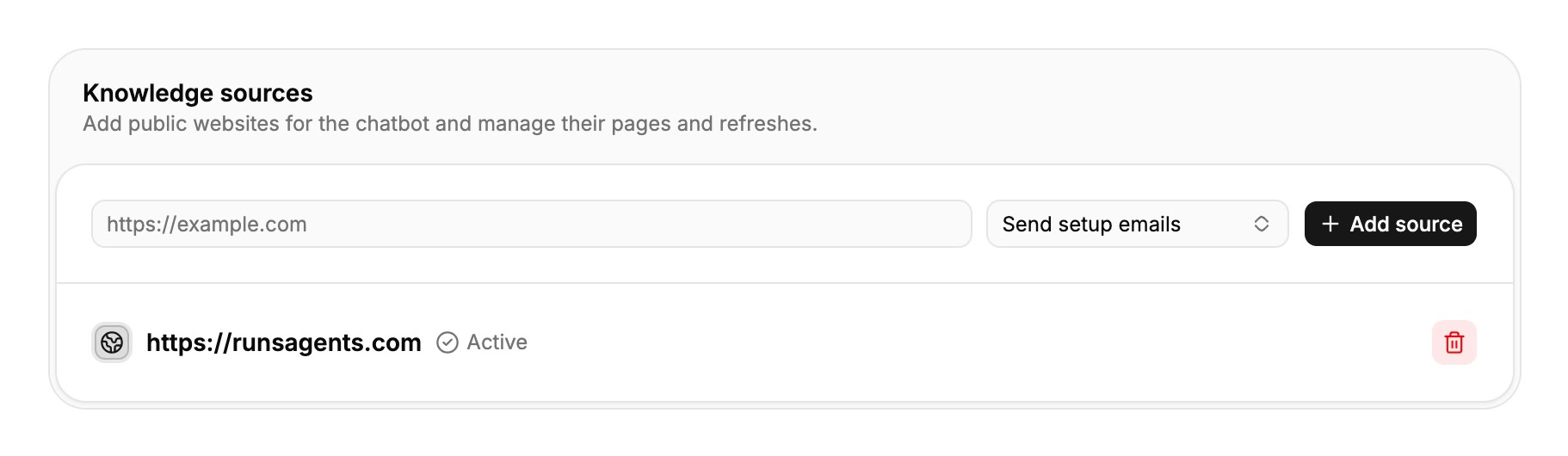
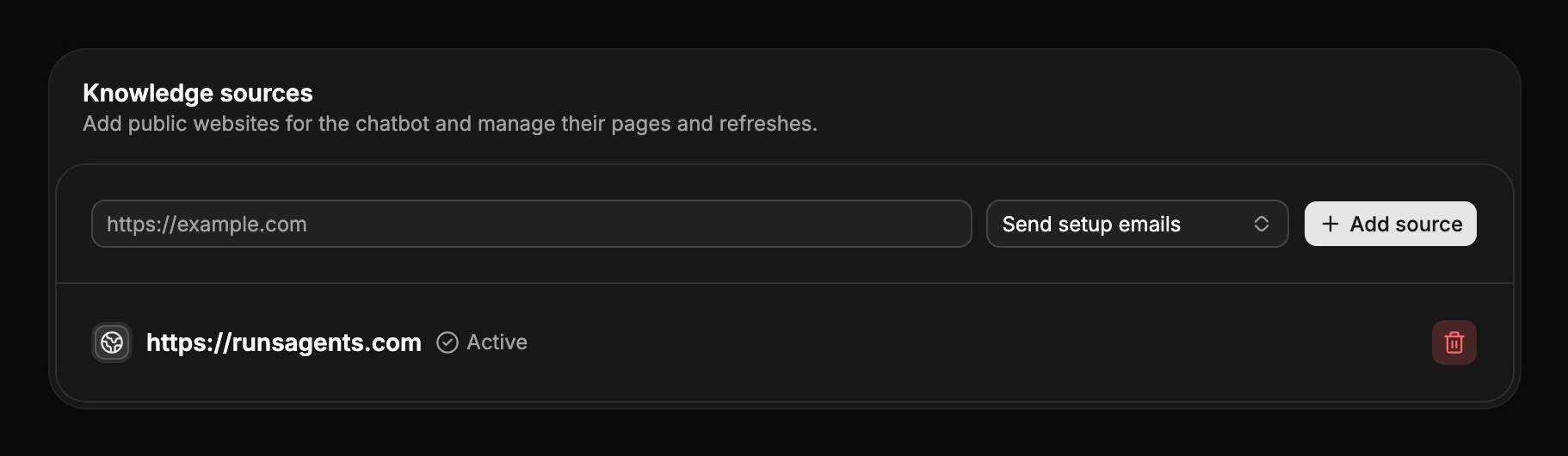
Manage public sources and scheduled updates.
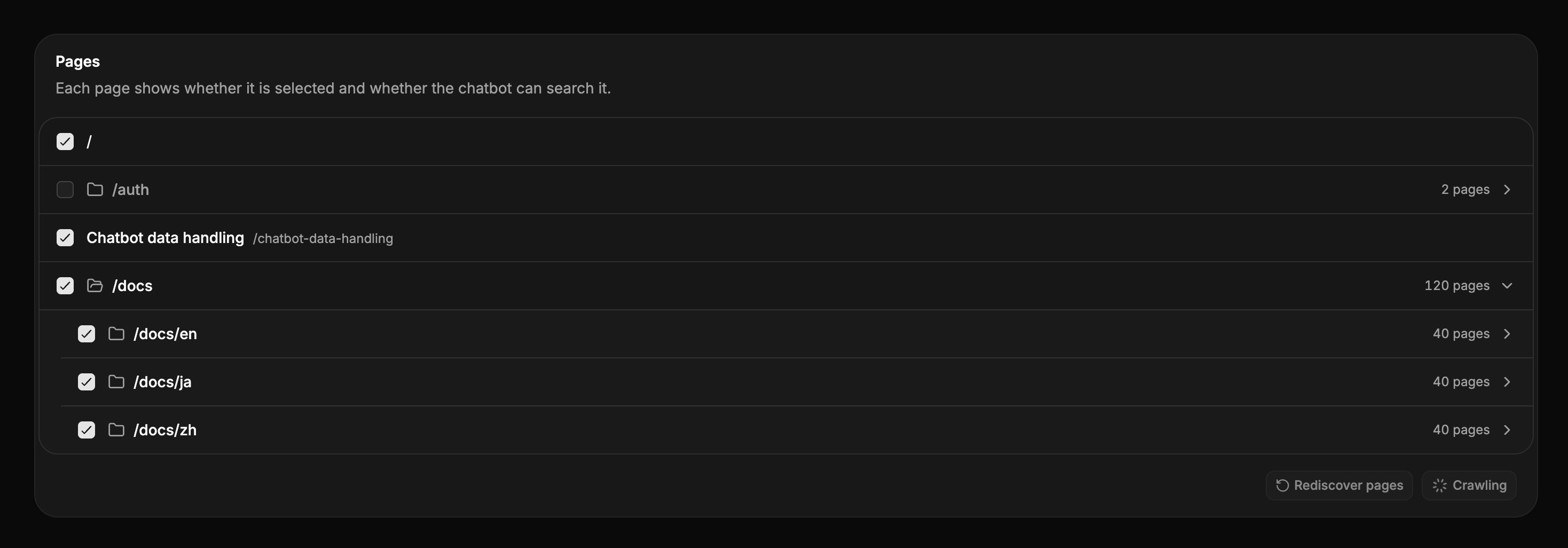
Include the pages you want the assistant to use.

Guide each inquiry to the right form

Define the categories your business uses, recommend relevant forms, and help your team prioritize follow-up.
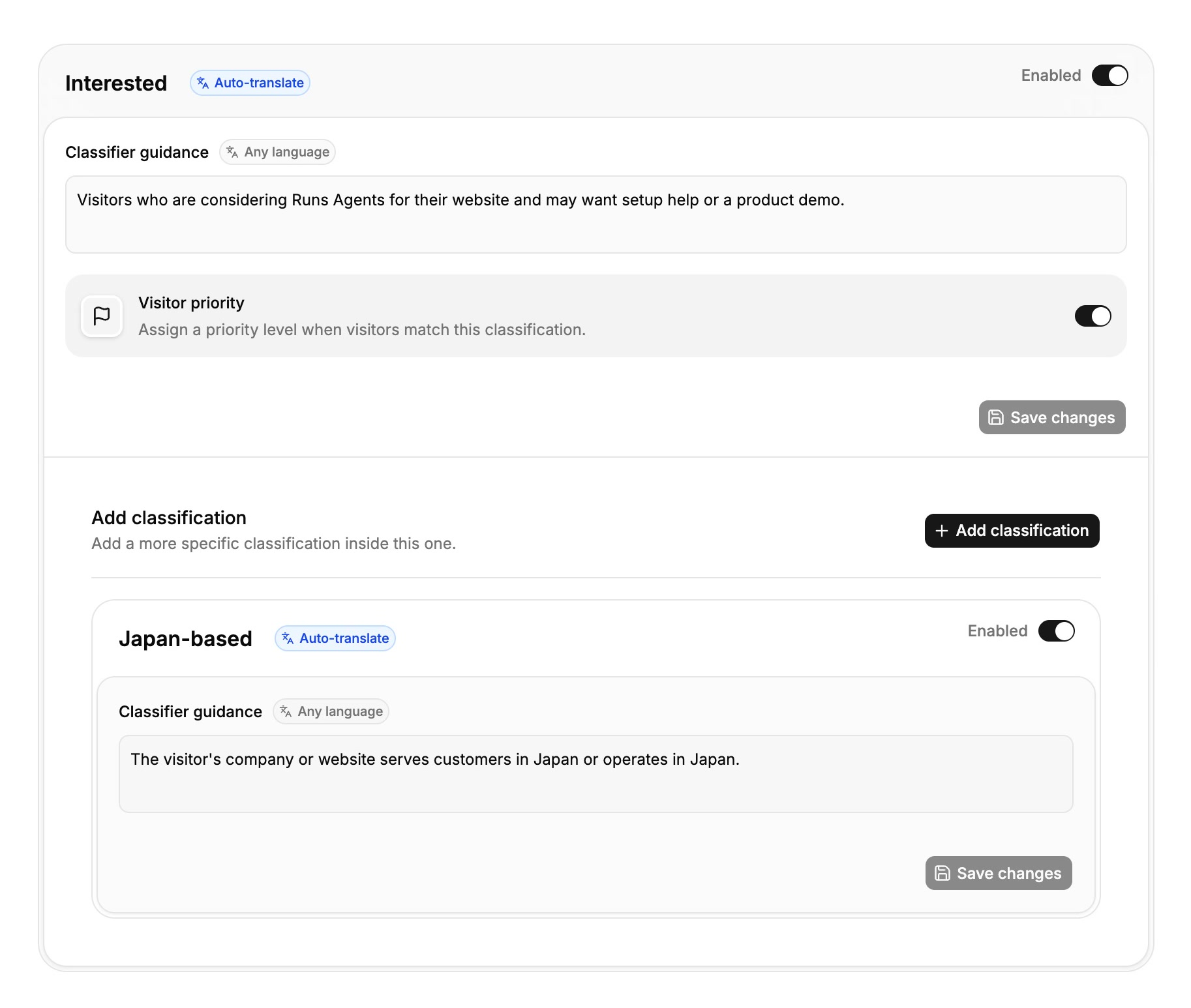
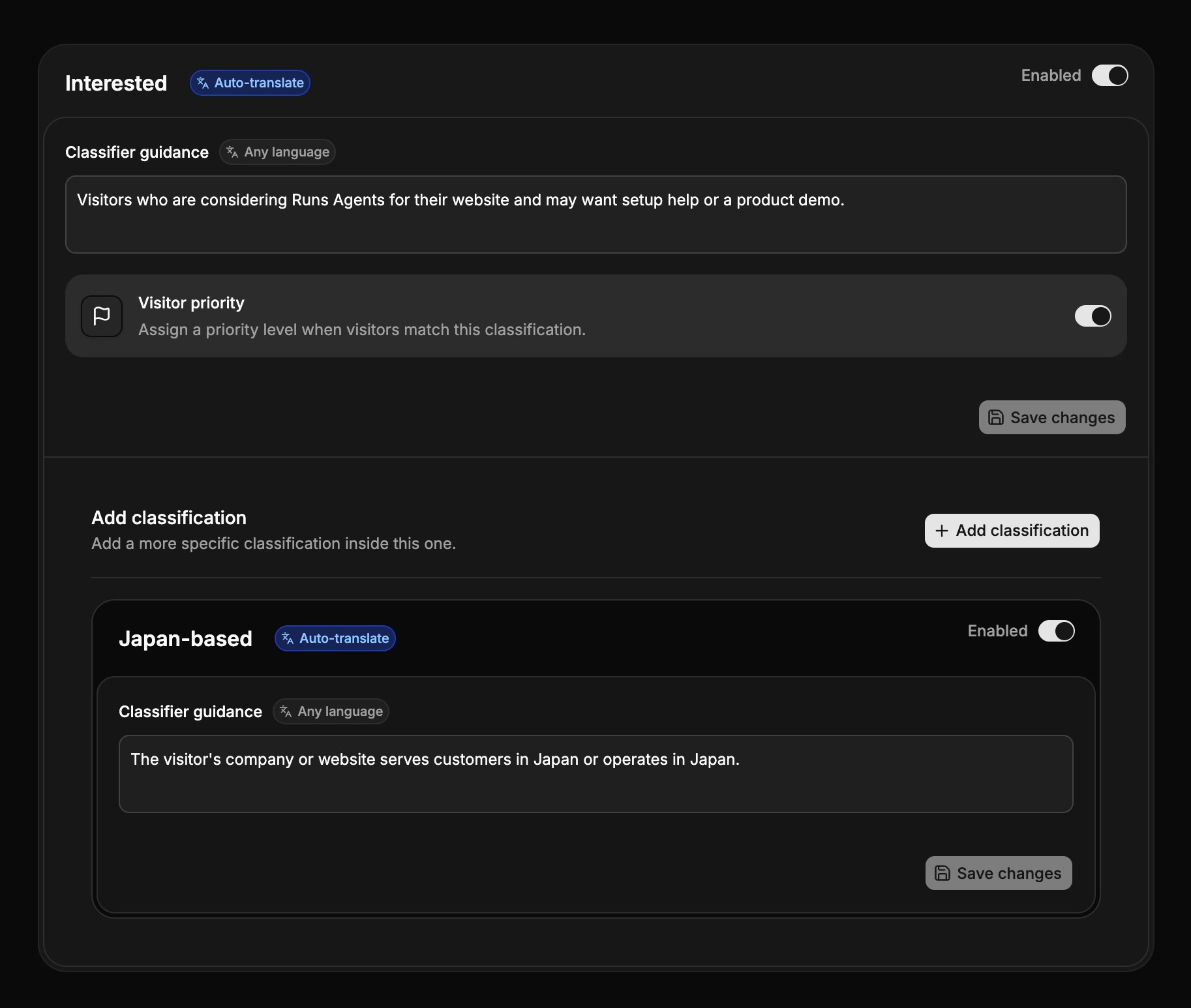
Set the categories and priorities that matter to your team.

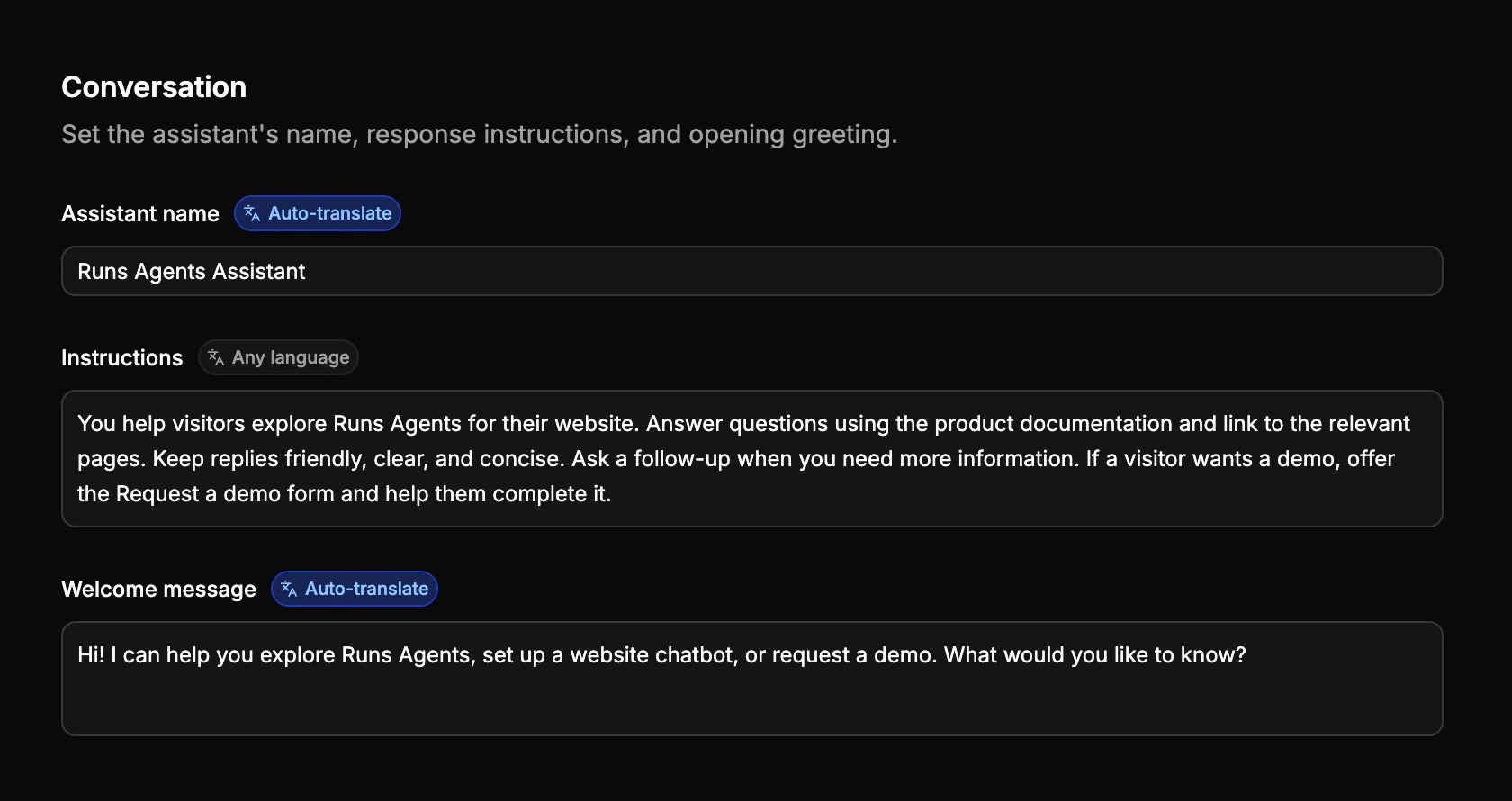
Make the assistant your own

Set its name, welcome message, response instructions, and position on your website.
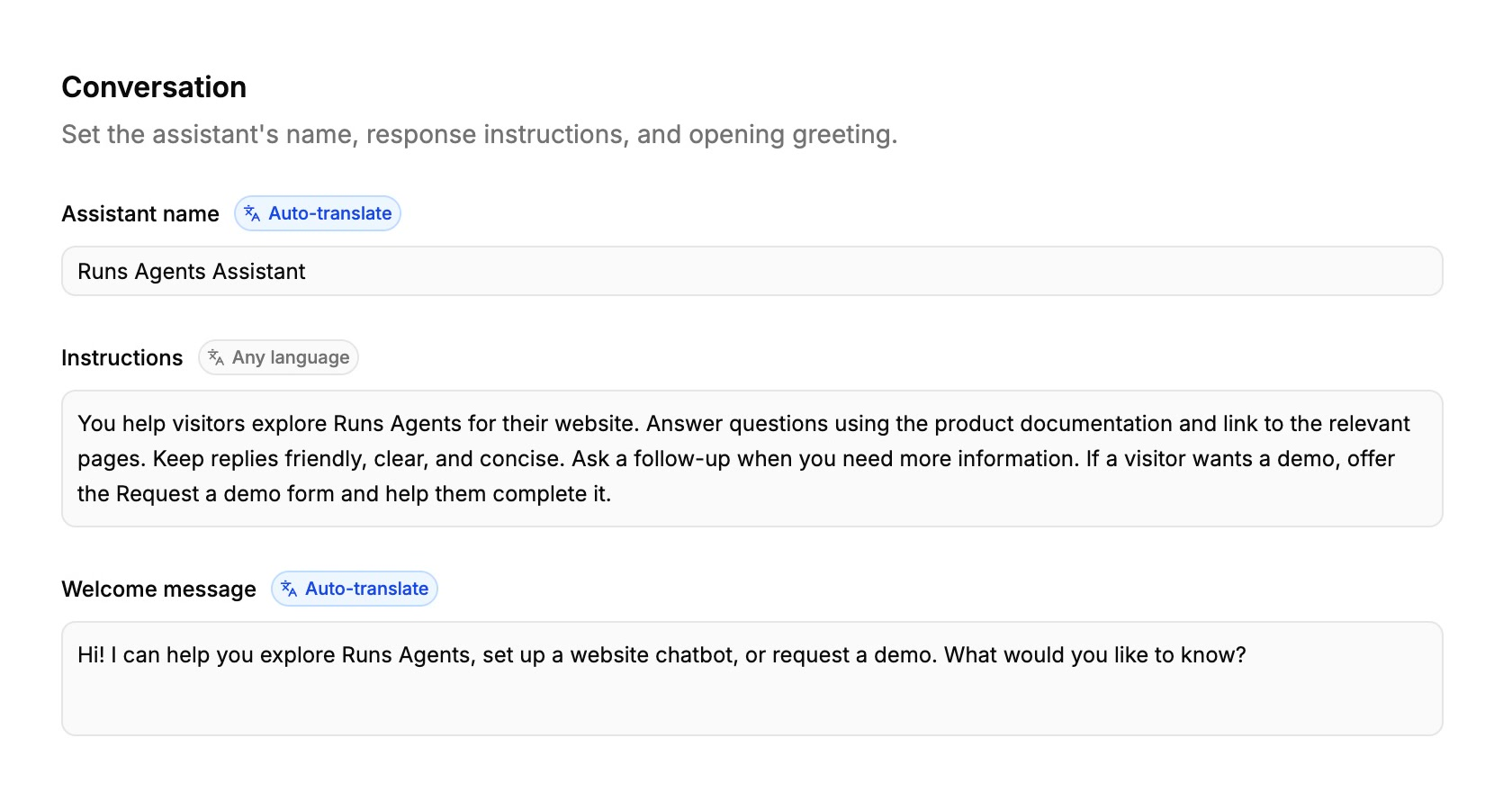
Configure the assistant's name, greeting, and instructions.

Add it to your website

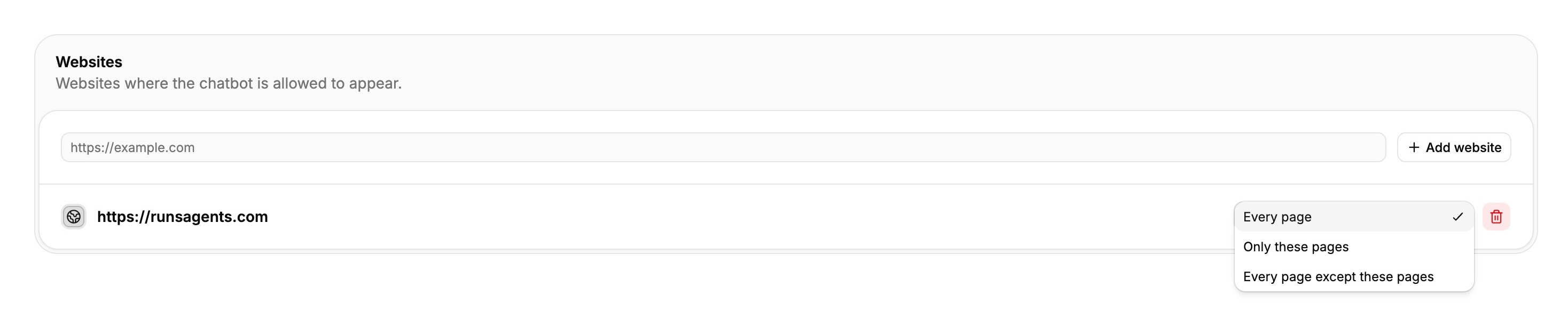
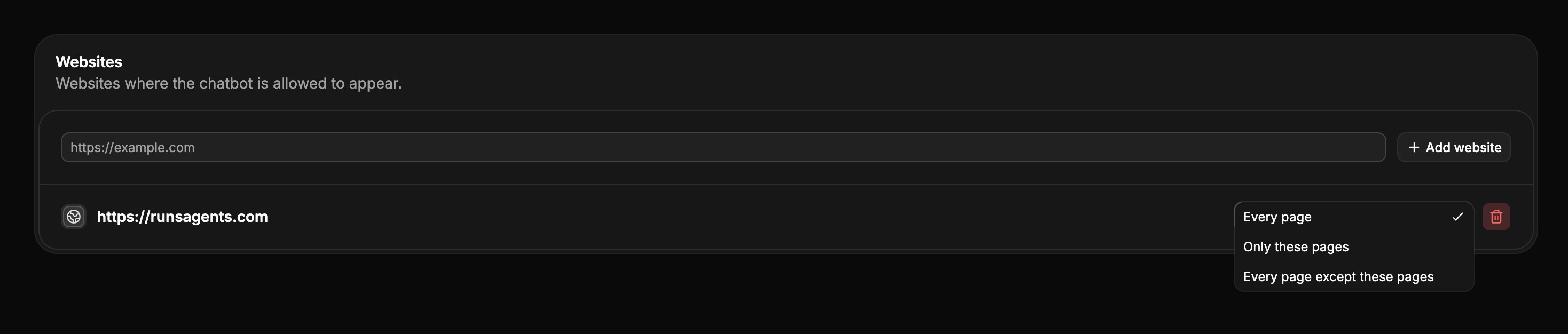
Install one script, authorize your website, and choose the pages where the chatbot appears.

<script
  defer
  src="https://runsagents.com/launcher.js"
  data-tenant="your-workspace"
></script>
One script adds the chatbot to your website.
Choose where the chatbot appears.

Keep the right people informed

Send inquiry notifications to shared inboxes or individual subscribers, based on the categories they handle.
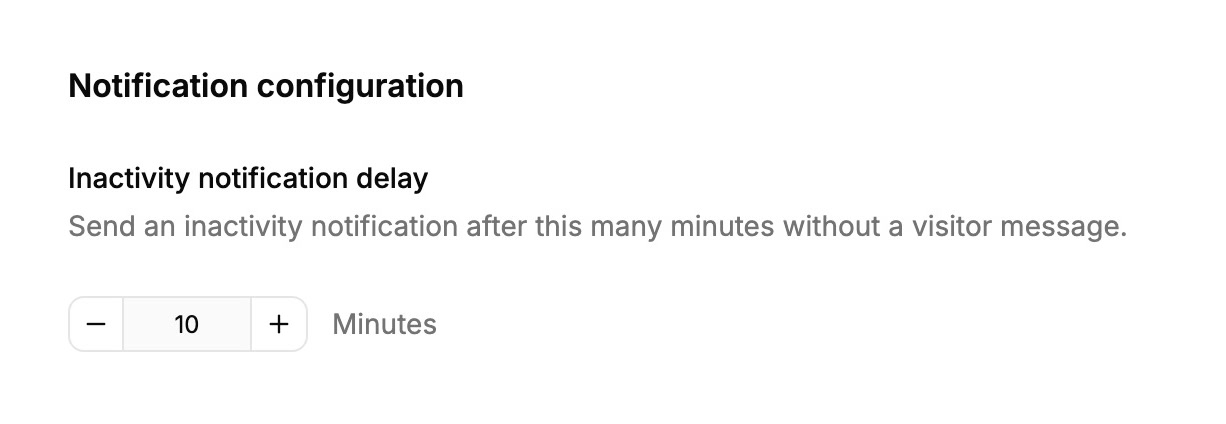

Choose when your team receives inquiry notifications.

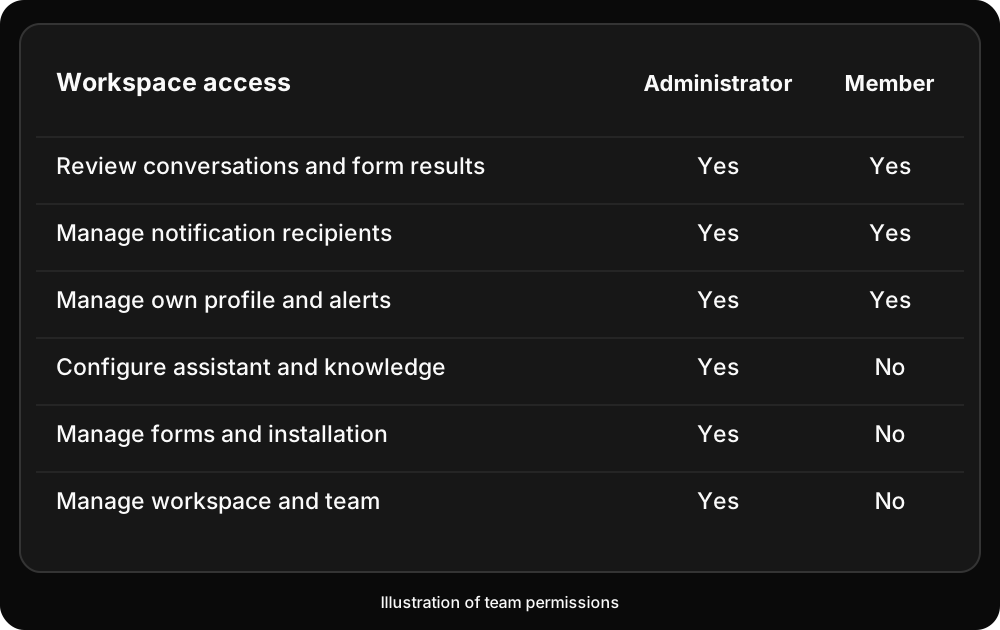
Give your team the right access

Invite colleagues as administrators or members, with permissions that match their work.
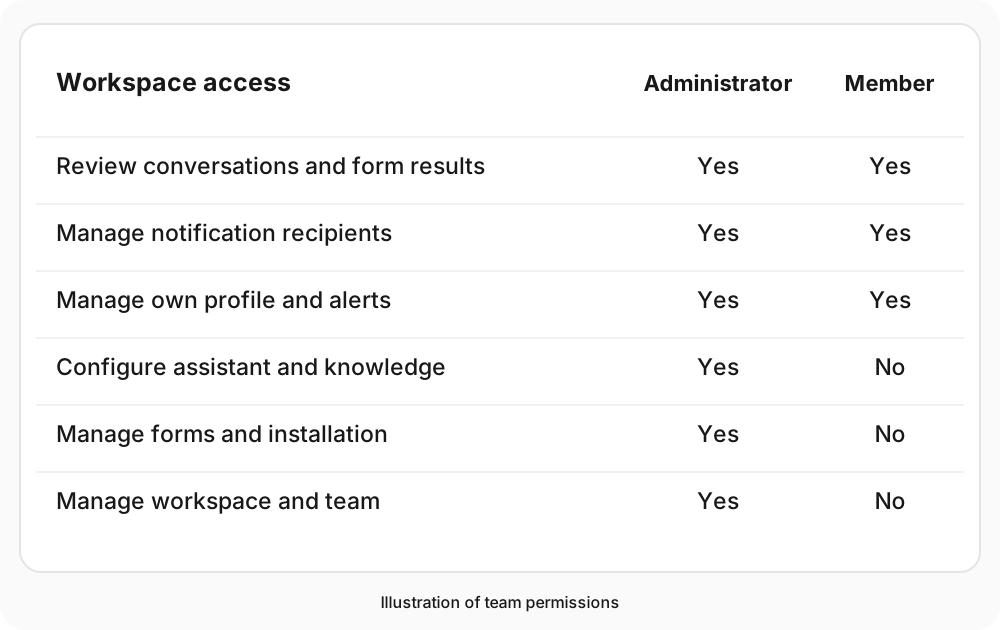
Illustration of administrator and member permissions.

See what your website could do.

Try the Runs Agents assistant on this page, or create a workspace for your own website.